Passwords leak all the time: through a hacked website, a phishing message, or because the same password was reused in several places. When that happens, only one thing stands between the criminal and your account. That is two-factor authentication.
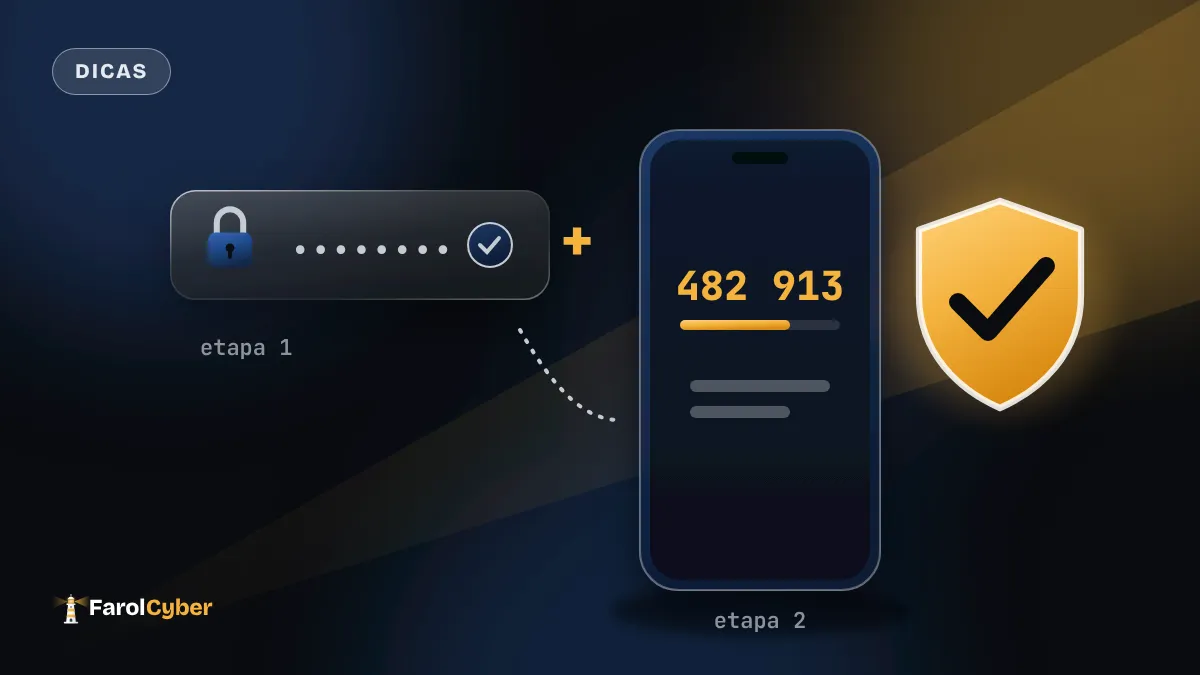
Also called two-step verification, or 2FA, it asks for a second confirmation after the password. Knowing the password is not enough: you also need something only you have, usually your phone. Whoever found the password stops at the second door.
Not every second step is equal
The most common one is a code by text message. It beats nothing, but it can be hijacked through SIM swapping, when a criminal talks the carrier into moving your number to another SIM card.
An authenticator app, such as Google Authenticator, Microsoft Authenticator or Authy, is safer. It generates a new code every 30 seconds on the phone itself, without going through the carrier. For most people, it is the right choice.
At the top are passkeys and physical USB security keys. They use your phone’s biometrics or a small device, and a fake page cannot copy them.
The code is yours alone
No bank, company or support team asks for that code by message or phone call. If someone does, it is a scam. That is how many WhatsApp accounts are stolen in Brazil: the criminal poses as a store or an app and asks for “the code you just got by text”.
How to protect yourself
Start with your main email, because it is used to recover every other account. Then do the same for WhatsApp, social media and your bank.
- On WhatsApp, open Settings > Account > Two-step verification, create a 6-digit PIN and add a recovery email.
- On Instagram, go to Settings > Accounts Center > Password and security > Two-factor authentication and choose the authentication app.
- On Google, go to myaccount.google.com > Security > 2-Step Verification. If your phone supports it, turn on passkeys too.
- Keep the recovery codes each service offers, on paper or in a password manager. They save the account if you lose your phone.