
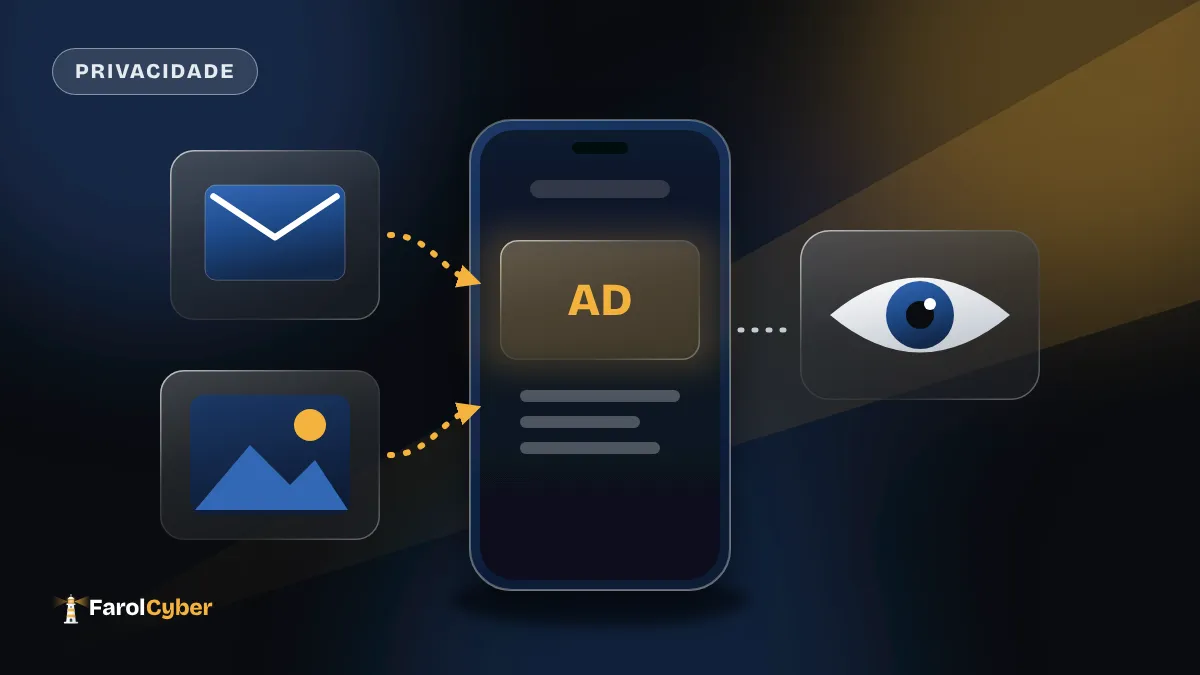
Google updated its privacy policy and added a detail worth reading if you use Gmail, Drive or Google Photos: if you connect those services to the company’s artificial intelligence features, their content can help choose the ads you see.
What changed in the policy
According to The Hacker News, which credits an earlier report by Android Authority, the new version took effect on October 16, 2026. It says that using personalized AI features in Search or Gemini may lead Google to show ads based on your activity in other connected services. One passage quoted in the report says Search “may process some of the data that you allow Search to access to personalize content, including ads.”
The key word is “allow”. As the report describes it, Google does not use Gmail, Drive or Photos content for personalized ads by default. That changes when you share the data with AI Mode in Search or other tools through a feature called Personal Intelligence.
The feature that connects the dots
Personal Intelligence was introduced inside Gemini in January 2026. It lets users connect Gmail, Google Photos and YouTube to get more tailored answers. It is in beta for eligible users over 18 worldwide, except in the European Economic Area, Switzerland, the United Kingdom and Nigeria.
One caution: the idea that emails and photos become a “signal” for ads is the report’s interpretation of the policy text, not a practice Google has confirmed. What is confirmed is what the document allows.
What about competitors?
The report points out that OpenAI began showing ads in ChatGPT in January 2026 and recently expanded them to 89 countries. The company says it keeps conversations private from advertisers and does not sell customer data.
How to protect yourself
- Check what is connected. In Gemini’s settings, see whether Personal Intelligence is on and disconnect the apps you do not want linked to the AI.
- Turn off Search personalization. According to the report, you can switch off Personalized Recommendations in the Search personalization settings at google.com/search-personalization.
- Review ad personalization in your Google Account, under Data & privacy.
- Think before connecting. New features tend to ask for a lot of access. If the benefit does not justify opening your email and photos, leave it off.
- Reread the policy now and then. These documents change, and the change rarely comes with a warning on screen.